
Morgan Hub
Morgan, your intelligent L&D agent that brings training into Slack and Microsoft Teams.
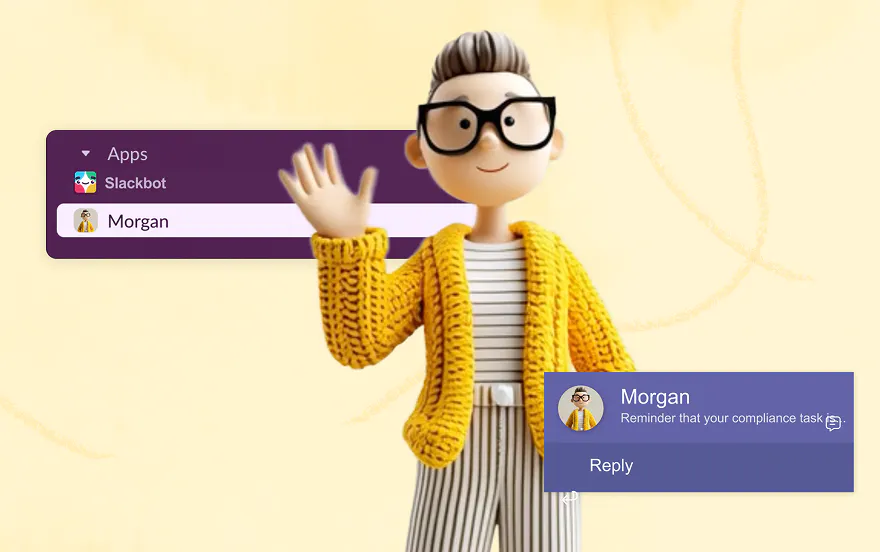
What Morgan does for your team
Weekly learning digest
Every Monday, Morgan automatically sends each learner a digest of their assignments and upcoming learning.
Learning overview
Learners can view all their assignments, track progress, and check completion status — all inside Teams or Slack.
Content discovery via chat
Learners describe what they want to learn in plain language and Morgan finds the right content for them. It's a conversation, not a keyword search.
One-click access to content
Learners can launch content with a single click, no separate login required. The experience varies slightly by platform — see guides below for details.
Get set up
Install in Microsoft Teams
Morgan is available in the Microsoft Teams Marketplace. Install Morgan for your Go1 Portal Admin first to connect your Go1 portal before Morgan is rolled out org-wide.
Install in Slack
Morgan is available to install for your Slack Workplace via the direct download link included in the guide below.
Connect your Go1 Portal
Once installed, open Morgan in Teams or Slack, select Connect Portal, and sign in with your Go1 admin credentials.
Resources
Hit the ground running with these resources for Go1 admins and employees
About Morgan
A plain-language overview of what Morgan is and what your team can expect. Useful for getting internal stakeholders on board.
Admin Guide – Microsoft Teams
As a Go1 Admin, here's everything you need to know about Morgan in Teams.
Admin Guide – Slack
As a Go1 Admin, here's everything you need to know about Morgan in Slack.
Employee Communications
Introduce your team to Morgan with these suggested templates.
See Morgan in action in Slack
Watch the demo to see how Morgan works for your team.
How Go1 uses AI
For IT and security stakeholders who need to understand how Morgan handles data before approving the install.
Morgan FAQ

New Intelligent Admin Workflows
Find out the latest and greatest in Go1 Learn for Admins.

AI Upskilling Playbook
AI is changing how employees learn. In this playbook you'll learn practical ways to upskill your team and lead the L&D change in your organization.

AI for L&D
AI with Go1 combines trusted expertise with evolving technology, so you have the tools, content, and strategy in place.

Need help?
Questions about getting set up? Your Customer Success Manager is here to help — or chat with our support team 24/7 via the chat icon on this page.